Welcome to the ICW x RH Help Centre! We are thrilled to have you join us on your product compliance and testing management journey. Our Help Centre is designed to provide you with all the necessary resources and instructions to ensure a smooth experience.
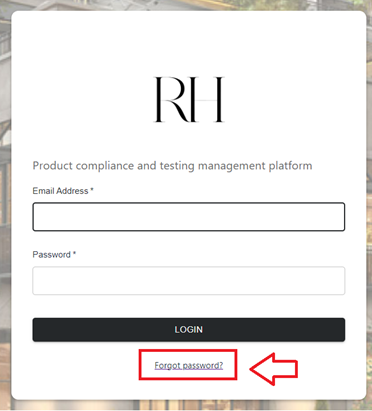
Step 1: Login to the Platform
Get started by visiting the website using Google Chrome.
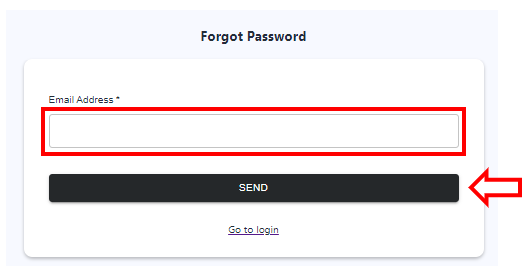
Click on the hyperlink in your login invitation email to set your own password.
🔍Note:
Registered user will receive login invitation email. If you have not received a login invitation email, please contact us at support_rh@icw.io for assistance.
Explore our Help Center where you will find user guides and other helpful resources to support you in your compliance and testing management.
Step 3: Connect with Our Customer Service Support
If you require further assistance, please do not hesitate to reach out to our customer service support team at support_rh@icw.io. Alternatively, you can connect with us via the Chat with us feature on the ICW x RH platform.